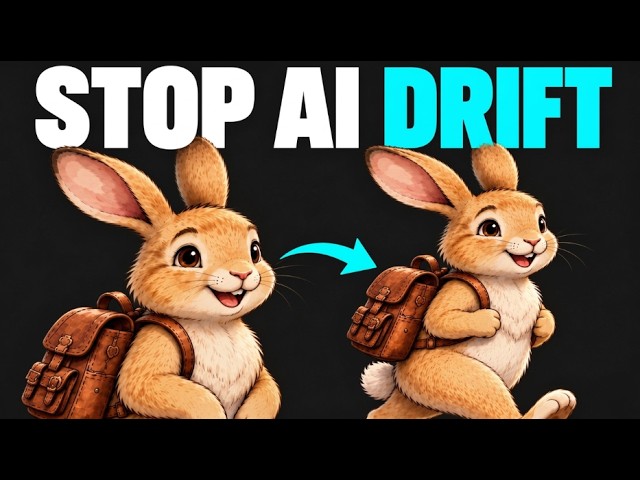
I made Motion Graphics Inside Claude - (No After Effects)
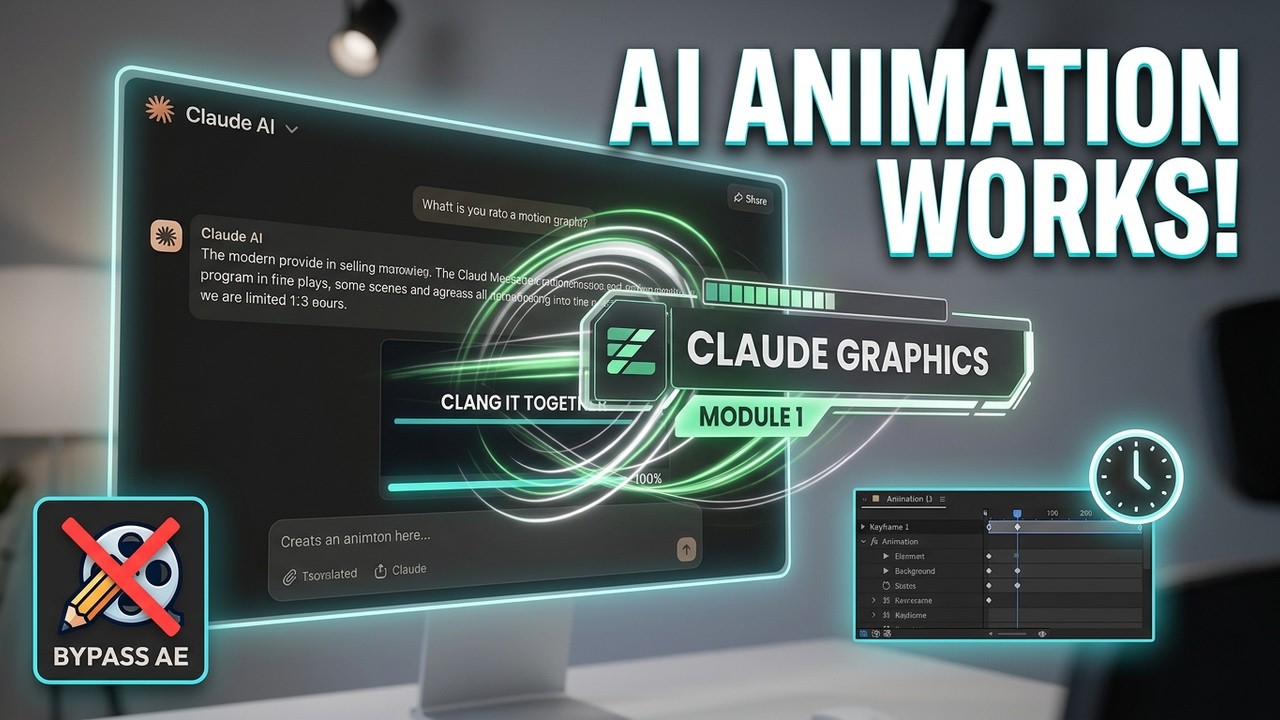
I built a title, a counter and a progress bar from one Claude prompt, with no After Effects, and it looked perfect until I changed my voiceover by two seconds and everything drifted. This video shows what broke and the three rules I now use to keep motion graphics modular and timed to narration.
Key takeaways
- Rule 1: record the voiceover first, then animate to it.
- Rule 2: give Claude timing beats and timecodes instead of adjectives.
- Rule 3: keep one idea per section, so you can change one scene without breaking the rest.
- A scene table keeps every timing and design decision in one place.
- This isn't auto-sync: preview with audio and check every change.
Chapters
- 0:00 Made in Claude, then it broke
- 0:10 What drifted and why
- 0:50 Rule 1: Record first, animate second
- 1:16 Rule 2: Give it beats, not adjectives
- 1:48 Rule 3: One idea per section
- 2:13 The scene table
- 2:42 Change one scene
- 3:19 Capture and assemble
- 3:45 Example: Indiana Bears Progress
- 4:33 Start small
Tools used
Claude, Screen recording, A basic video editor
Transcript
Read the full transcript(about 900 words)
0:00I made motion graphics inside Claude, no After Effects. But they broke the second I changed the voiceover. Here are the 3 rules to make them modular and perfectly timed. I built this, lower-thirds, stat bars, all of it, with one Claude prompt. Looked perfect.
0:16Then I changed the voiceover by 2 seconds... and everything drifted. Every bar, every caption, off. I fixed it with 3 rules: one file per scene, locked timecodes, and a re-render check. Here's rule one. So here's the job: one graphic, title, counter, progress bar, built around my voiceover. Not "make something impressive." That vague prompt is why it breaks. I lock the timing first, then Claude builds to those numbers. Change the narration later, the graphic still holds. Rule 1: record first, animate second.
0:54Here's my line: "Here's the plan. Start with one clear message. Build it in three short sections. Then bring everything together." I record that, then I mark just 3 moments: when the title pops in, when the counter starts, when the bar finishes. I don't cue every word.
1:09Those little pauses where I breathe? That's room for the animation. Now Claude isn't guessing timing. It's building to my timecodes. Rule 2: give it beats, not adjectives. My prompt is just: title at second 1. Counter counts to 3 while I say "three short sections."
1:25Bar fills on the last line. Total run: 11 seconds, my audio length. Play it against the recording. Watch the counter here. That's the check. Does the motion help the line, or fight it? If the counter lands late, I nudge that one cue and preview again.
1:41The timestamp doesn't auto-sync it. It just gives me one thing to fix. Timing's done. Now I need to make this easy to revise. Rule 3: one idea, one section. Title does one move. Counter does one move. Bar does one move. If the counter's off, I just fix the counter. I don't rewrite the whole prompt. I aim for 3 to 8 seconds a beat, but the voiceover decides. And short doesn't mean smooth automatically. I still check it. Each part now has a job and a time window. I just need somewhere to keep those decisions.
2:12This is the scene table, where I keep it all. One row per section: start, end, what I'm saying, what shows, how it moves. All times from my recording, not guesses. Style lives once at the top, background, colors, font, so I don't repeat it. Each scene gets an ID. So I say "update scene two" instead of "that number thing in the middle." If the preview misses, I point to the row. Let's use it to make a change. Say I like the timing, but I want a new look for scene two.
2:46Instead of counting to three, I want three cards popping in one by one. I update that row, then tell Claude: "Update scene two to three cards. Keep its start and end times, keep the shared style, leave scenes one and three alone." Then I preview. The check isn't just "do I like the cards." Did the timing hold? Does the title still land? Does the bar still start on time? A focused request sets the scope. I still watch the whole sequence after. And before the next tweak, I save what works.
3:17So I have a way back if it breaks. Once it looks right, I turn it into footage. For this demo, I'm just screen-recording the playback. Match the shape to my video, cursor out of the way, clean run from the start. Then check: on time? Cropped? Clean? That recording goes under my voiceover in a basic editor. Claude makes the graphics. The editor is where I assemble and check sync. Preview isn't a finished file. So I watch it back with audio. Here's how I'd use this, for Indiana Bears Progress. Not decoration. A graphic that explains tracking.
3:53My line is: "We Made The News." Show the article, let it sit for a while so it can be read. Next, "What We're Watching." Show the Fan First box roll up from the bottom. And the last is "Follow Us." Roll up from the bottom: "Fan First, Follow The Story."
4:09Three beats: title card, information card, call to action card. Same table, cues marked, same style across all three. And to be clear, I'm showing process, not announcing a stadium. Every move has a job: explain the step I'm on. Same structure works for a walkthrough, a lesson, a business update. Start with what the viewer needs to get. Then ask: does movement make it clearer? If you try this, start with one sentence and one move. Record it, mark the cue, ask Claude to animate just that.
4:42Preview with audio before you add anything else. When that works, give it an ID and add the next row. Don't plan ten minutes on day one. Prove you can build small, revise fast, and capture something usable. So where does this belong in a real video? When I'm showing my screen, I want you to see the real work. Animation earns it when it makes it clearer. That's what I'm building here on Code, Create & Care: real projects, practical tools, process I can reuse. Subscribe to follow what I build next.
From the video's captions, lightly cleaned up. Click a time to watch from that moment.