Faceless Channel, nothing but FREE AI Tools | What Works, What Doesn't
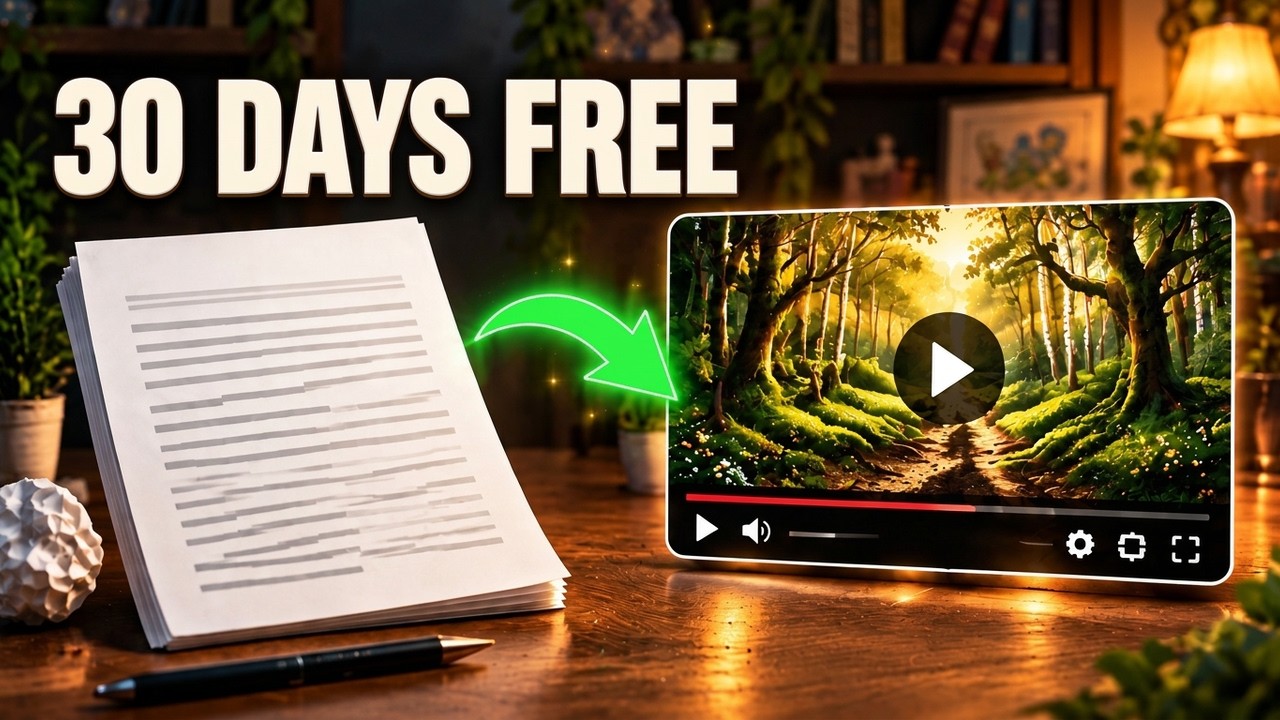
I spent 30 days building a faceless YouTube channel with nothing but free AI tools: no budget, no camera, no editing skills. This is the honest breakdown of the three tools that wasted my time, the two that earned their place, and the stack I landed on. No affiliate links and no sponsor.
Key takeaways
- Most free tiers are built to make you hit a wall: character caps, watermarks, daily limits and generic stock footage.
- AI auto-editors cut on awkward words and produce error-filled captions, which can be worse than editing from scratch.
- A text-to-speech tool aimed at developers sounded more natural than ones marketed to creators, and voiced a full 8-minute script on the free tier.
- An AI research and outlining tool works best for structuring ideas, not for writing the script.
- A plain video editor with manual control beat tools that try to automate the cut.
Chapters
Transcript
Read the full transcript(about 700 words)
0:00I set out to prove you could build a faceless channel with nothing but free AI tools within 30 days. No budget, no face, no fancy software. I'm going to show you what actually worked, what was a total waste of my time, and the one tool I wish I'd found on day one.
0:16Stick around because number three will genuinely surprise you. Okay, so here's what I was going for. I'd seen all these videos promising you can run an entire faceless channel, scripting, voiceover, visuals, editing, using only free tools. No camera, no editing skills, no cash, just AI doing the heavy lifting. I bought into that promise completely. My plan was simple. Pick one free tool for each stage of production. Script, voice, visuals, edit, and see if I could actually publish a channel's worth of videos without spending a dollar. Spoiler, it didn't go the way people made it sound. First disappointment, the free AI voice generator I started with. I won't name drop the exact one because there are several out there that behave the same way. But the pattern was identical. The free tier caps you at a tiny character count per month.
1:06So I'd write a full script, generate the voice over, and hit a wall halfway through. I ended up having to split single videos into two or three separate generation sessions just to get enough audio, and the pacing between sections never quite matched. Second, an AI video generator that turns text prompts into stock-style clips sounded perfect for faceless content. In practice, the free version watermarks every single clip, limits you to a few generations a day and the actual footage it gave me was so generic. Random stock people walking through offices that it didn't match any of my script at all. I spent more time hunting for clips that vaguely fit than I would have if I spent filming something myself. Third, an AI auto-editor that promised to assemble a rough cut from your script and assets automatically. The idea was great, the execution was rough. It kept cutting on awkward words, the captions were riddled with errors, and I ended up manually fixing almost every single cut anyway. At that point it wasn't really saving me time, it was just giving me a worse starting point than if I had edited it from scratch. Here's what actually worked. And it's the one nobody talks about. A free AI text-to-speech tool that's actually pitched as a developer tool.
2:14Not a content creator tool. It's less hyped, but the voice quality is more natural than the creator-focused alternatives. And this is the part that mattered most. The free tier didn't nuke me with a tiny word limit. I could generate a full 8-minute script in one go without hitting a wall.
2:31The other underrated find was using a free AI research and outlining tool. Not to write my final script, but to structure my ideas before I wrote a single word, it cut my planning time down dramatically because I wasn't staring at a blank page trying to figure out where the video should go next.
2:48So here's the honest three-tool stack I landed on after all that trial and error. One, a free writing tool for scripting and outlining. Use as a starting point, I'd always rewrite in my own voice. Two, that under the radar accessibility style text to speech tool for the voice over it because I had the best free tier limits and the most natural sound. Three, a straightforward video editor. One that didn't try to auto-edit for me, it just gave me clean manual control over cuts and captions. No 12-tool stack, no automation pipeline, no magic button, just three reliable tools and a lot of manual polishing in between. So that's what 30 days of free AI tools actually taught me. Now I want to hear from you. What AI tool disappointed you the most? Drop it in the comments, I'm genuinely curious if we ran into the same walls.
From the video's captions, lightly cleaned up. Click a time to watch from that moment.