How I'm Making a Cartoon Without Knowing How to Draw
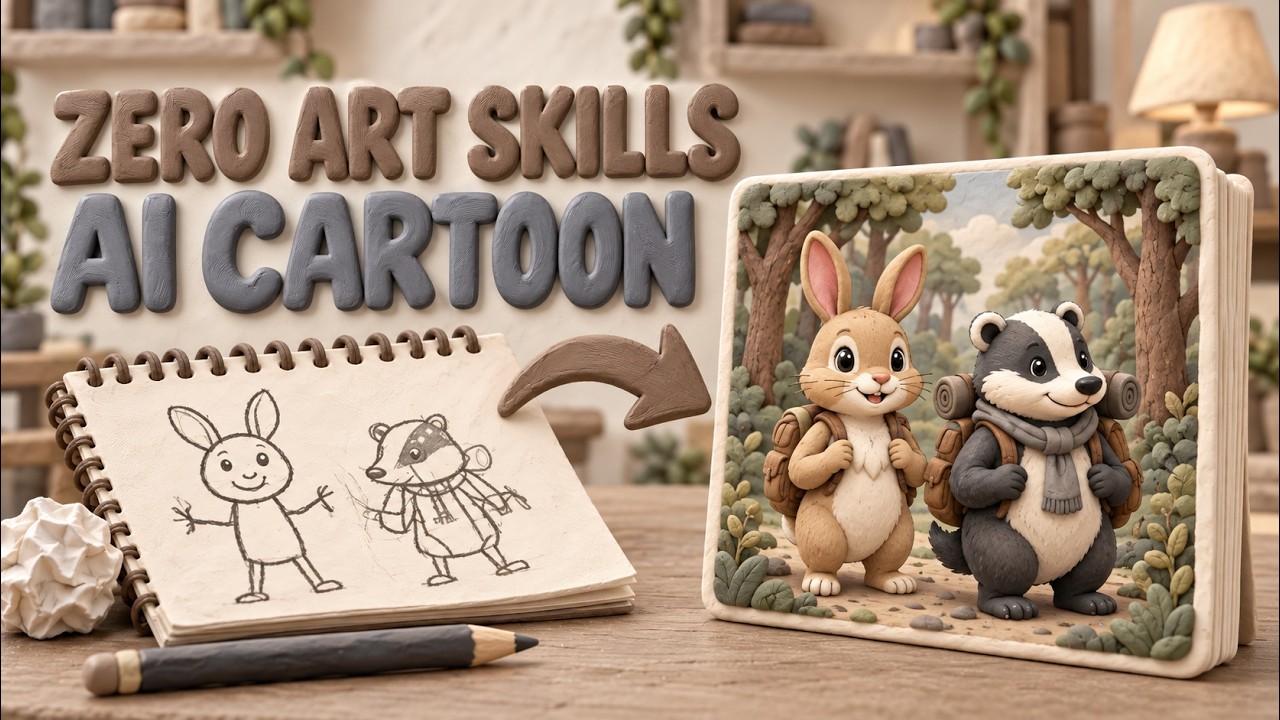
I can't draw and I've never taken a design class, but I made my own animated children's series, Whispering Woods, starring Bella the rabbit, Benny the badger and Sammy the squirrel. I made it with AI in Google Flow, and one trick kept the characters looking the same in every scene.
Key takeaways
- The AI has no memory: ask it to draw your character again and you get a brand-new one.
- Write a Style Bible covering the art style, the world, the color palette and each character, in one document.
- Load the Style Bible into the session before you generate anything.
- Name every character and pull them back with @ in Flow's chat, like @Bella, @Benny and @Sammy.
- Google Flow limits clip length, so you build a scene shot by shot, and failed generations still cost credits.
Chapters
Tools used
Google Flow
Transcript
Read the full transcript(about 450 words)
0:07I made that. And I want to be completely honest with you. I have zero art background. I cannot draw. I've never taken a design class in my life. I'm a software developer. And that actually turned out to be my biggest advantage. This is Meet Forest Friends, a children's book I created using nothing but AI tools. No illustrator, no designer, no agency, just me, my laptop, and a developer's mindset for solving problems. The way I think about AI animation is simple. It's just an engineering problem.
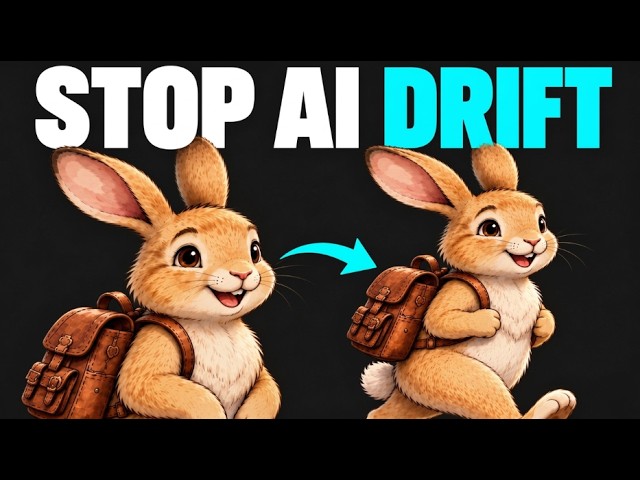
0:38Every tool in this pipeline has one job. Your job is to connect them in the right order. It starts with a character reference sheet. This is your source of truth, the same way a developer has a single source of truth in their code base. If you skip this step, your characters will look different in every single scene. Once the characters are locked in, I bring them into the image-to-video stage. This is where Google Veo comes in. I'm feeding it the reference image, a simple prompt describing the movement, and it generates the animation clip. The key thing I learned, and this took me a while, is that the prompt isn't about being creative. It's about being specific. Treat it like a function call. You give it clear inputs, you get a predictable output. When I started using Google Flow to generate the characters, Bella, Benny, Ruby, and Sammy, the trick is the reference sheet. Same as a developer's single source of truth. Every scene pulls from the same reference, so the characters don't drift between shots. Without this step, you get what I call the fur bug. Bella shows up brown in one scene, cream in the next. The reference sheet is your fix. Once the characters are locked, I started building the scenes. Each prompt is less about being creative and more about being precise. You have to treat it like a function call. Clear inputs, predictable output. The more specific you are, the less you're fighting the AI. The final step is image to video.
2:15I'm feeding the still frames into the video tool with a short motion prompt, just describing the movement I want, 6 seconds at a time. That walking clip you saw at the top? That's exactly how that was made. Is it perfect? No. AI animation still has consistency challenges. If you're a developer, you'll spot them immediately. But 6 months ago, I had no book, no animation, and no channel. Today I have all three. And I did it without a single art lesson.
2:46If you want the full breakdown, every tool, every prompt, every step, subscribe. It's all coming. I'm Joseph. This is Code, Create, and Care. See you in the next one.
From the video's captions, lightly cleaned up. Click a time to watch from that moment.