I used Claude AI to replace Linktree & Carrd, it saved me $199 per year
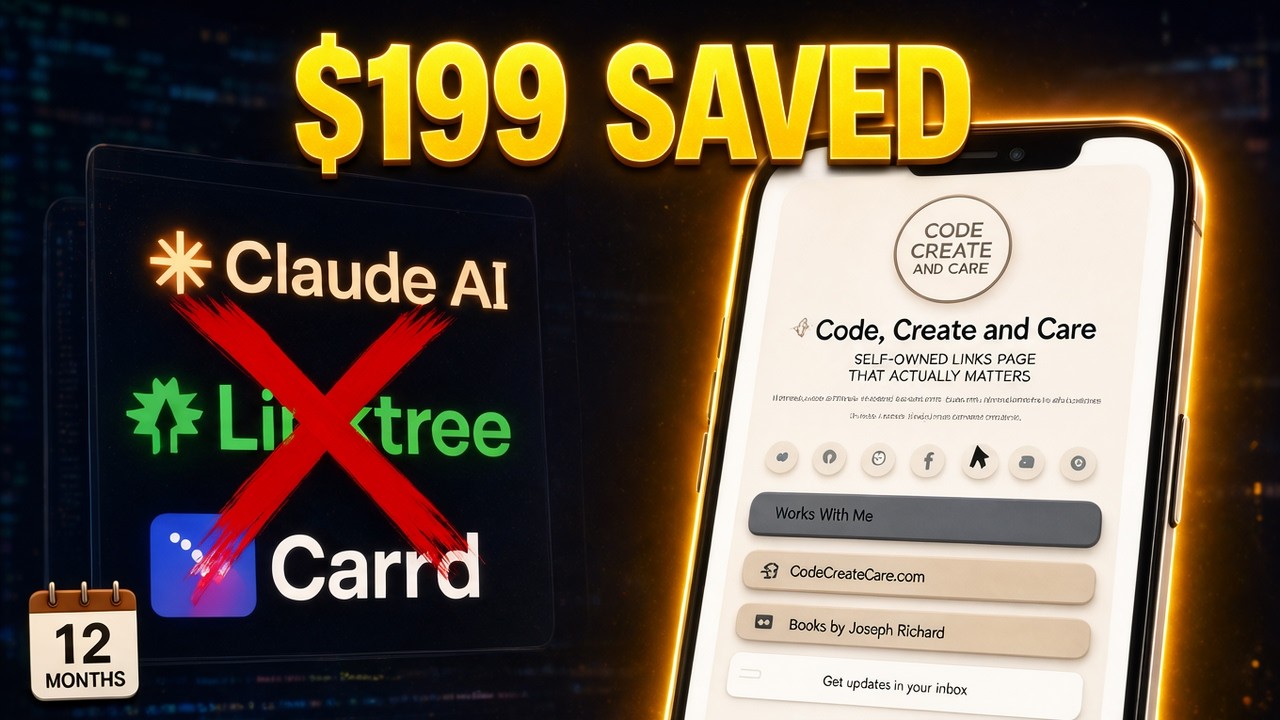
Linktree and Carrd were costing me $199 a year, so I replaced both with a links page I built with Claude, and I own the code. I show every step, including the parts that took more than one prompt, from the first brief in Claude to the finished page at codecreatecare.com/links with a QR code and Google Analytics 4 tracking.
Key takeaways
- Start in Claude with your brand files and let it ask you questions before it builds anything.
- Keep the page content in a config file so you can update links without touching the code.
- Use the Claude agent in Antigravity to move the page onto your own site at /links.
- Put featured content first, shape the email signup area, and give every button a real destination.
- Measure the page with GA4 and Google Tag Manager, and check what GA4 actually receives.
Chapters
- 0:00 Why I replaced Linktree and Carrd
- 0:26 Start with the brief in Claude
- 0:58 Answer Claude's questions
- 1:32 Keep content in a config file
- 2:04 Fix the layout in Claude
- 2:33 Hand off to the website
- 2:58 Finish the build in Antigravity
- 3:18 Put the page at /links
- 3:44 Put featured content first
- 4:14 Shape the signup area
- 4:49 Turn buttons into a links hub
- 5:25 Add QR code sharing
- 5:59 Measure the page with GA4
- 7:37 What GA4 actually received
- 8:44 Wrap-up
Tools used
Claude, Antigravity, Claude in Chrome, Google Analytics 4, Google Tag Manager
Transcript
Read the full transcript(about 1550 words)
0:00Linktree and Carrd were costing me $199 a year. I replaced both with a page I built in Claude — and I own the code. Here's the page I built. Getting the first version was easy. Getting a page I liked took a few more passes. The part nobody shows you is the gap between what Claude hands you and what you'd actually put your name on. That gap is the whole video. I started in Claude by attaching my brand files and asking for a links page that I could install on my own website.
0:33I wanted Linktree and Carrd-style functionality, using my colors and fonts. Then I added: “Do not make any assumptions. Question me to get the answers.” The goal was to give Claude enough direction to build the template before I brought it into my website project.
0:49When creating your own, give it your brand references and explain where the page will live. Then have it ask about the details you haven't supplied. Claude asked how I wanted to edit the page, which features it needed, and what style to use. I chose one configuration file for updates, a social icon row, and email signup. As the questions continued, I confirmed the textured clay style and circular badge logo. I also supplied my social profile links. These answers gave Claude specific choices to build around.
1:23For your page, decide which features you actually need and how they should match your brand. Then think about what you'll want to update later. The featured video is something I'll want to replace, so I asked for a JSON file to hold the video data, used in the embed.
1:40I supplied the video link. For the main buttons, I asked for placeholders that I could change later, and chose the slash-link for the page address. Claude generated the page files and a separate configuration file. That's the approach I wanted: keep the content settings together instead of hunting through the layout for every update. With the files generated, I could check the layout and ask for a specific change. In Claude's first mobile screenshot, the placeholder buttons appeared above the video. I wanted the video higher on the page. So I asked: “Can you move the video above the Placeholder buttons.”
2:16Then I asked to see a preview. The updated screenshot put the video above the buttons, with the signup below. For your own template, check the order of the content. If something needs to move, tell Claude exactly where you want it, then compare the result.
2:33At this stage, I had the layout to carry into my website project. Claude flagged that the signup still needed my existing form's details. It also reported that its preview couldn't load YouTube or the Google Fonts. That gave me a clear handoff: the page files, the configuration, and the connections to finish in the website project. Next, I brought that template into Antigravity to fit it into the site. We've got the page from Claude. Now let's finish the build inside the website. I've opened the project in Antigravity.
3:07Using the Claude agent, I'm going to connect this page at slash links, put the featured content where I want it, and replace the placeholder buttons with my actual destinations. The page needs a permanent place in the website, so I'm putting it at slash links.
3:23Here's the existing homepage, and here's the links folder with the new page's index file, assets, and configuration. I ask the agent to start the dev server, then open the links address it gives me. And here's our page running from the website project.
3:39We can now finish the changes against this local preview before publishing. Now I want visitors to see the featured video before they reach my profile and links. I ask Claude to move the video card above the profile section, keeping the email signup above it. The agent updates the files, and I check the preview. Here's the new order: signup, featured video, then the profile and link buttons. That's one of the useful parts of building this page yourself. I can decide what deserves attention and have the agent change the layout to match.
4:15Next, I add a Get the Guide option to the signup area. I have Claude adjust the button placement and change Sign Up to Subscribe. Then I decide to hide the guide button for now while keeping the feature in the project. Here it is with the guide option, and here's the cleaner version with just Subscribe showing. We're making those decisions on the actual page as it comes together. The signup and download behavior still needs testing before this is ready to publish. Now let's give these buttons their actual jobs. This is what turns the layout into my links hub. Work With Me goes to the media kit. The website button gets its destination and a globe icon.
5:01Books by Joseph Richard points to my author website. I give Claude the label and destination for each one, and it updates the configuration. Here are those values in the file. These are the places I want people to reach from this one page. The next check is clicking through to each destination in the browser.
5:19A renamed button is only part of the job; it also has to take visitors to the right place. With the destinations assigned, I add another way to share the page. I ask Claude for a QR code underneath the buttons that expands when clicked. I called it a UPC in the request, but a QR code is what we need for the page's web address. Here's the enlarged code in the preview. It points to the public address where we'll publish the page. Once people start visiting, I want to know how they use it. Are they reaching the page, and which links are they clicking?
5:53Next, we'll connect GA4 and set up the tracking to answer those questions. Now that the links page is part of the website, I want to measure how people use it. Are they visiting the page, opening the featured video, or heading to my homepage? I'm going to use Claude in Antigravity to connect this page to the existing Analytics setup, then checking the settings and the activity GA4 receives. I start by asking Claude to inspect the tracking already in the website and connect slash links without duplicating it.
6:27Here's the website's GA4 stream, and here are the tracking changes in the links page source. The recording shows both Google Tag Manager and a direct Google tag being added. That needs a check against the live setup: the goal is to reuse the right tracking, not have two implementations counting the same action. Next, I check Enhanced measurement in the web stream. Outbound clicks are already enabled. That's the setting for links that take visitors away from the site, such as opening the featured video on YouTube.
6:59That interaction is a click to another destination. It doesn't establish that someone watched the video after leaving the website. The homepage button stays on my own website, so I give that action a specific event. I ask Claude to add or reuse homepage-button tracking.
7:16It adds an event called homepage underscore click, with the destination URL and link text. That gives the action a recognizable name when I check Analytics. But adding the code and seeing the event arrive are two different checks. I still need to verify that the published button sends the intended event to the right property. When I check the reports, the evidence is mixed. Realtime does show click activity: this shot shows two click events, and a later view shows three link-underscore-click events.
7:48That tells me the property is receiving some click data. It doesn't yet identify which links-page button produced each event. DebugView is still waiting for events in this session, so I can't use it to claim that the homepage test passed. Standard reports can take time to process.
8:04For this check, the missing piece is a received event tied to this page, showing the destination I clicked. The reason for doing this is simple: I want to see whether the links page sends people to the places I intended. Once the events are verified, I can compare page traffic with destination clicks and use that information when I change a button label or move featured content. In this recording, we've made the tracking changes, confirmed outbound measurement is enabled, and seen some click activity in Realtime.
8:37The final check is matching a deliberate test on slash links to its event and destination in GA4. We started with a question: could I build my own alternative to Linktree or Carrd? Claude helped turn the prompt into a page. Then, in Antigravity, I used the Claude agent to connect it to my website, adjust the layout, and give the buttons their destinations. Finally, I worked on GA4 tracking so I can understand how people use it.
9:12Some click activity is showing up, but I still need to verify the specific page interactions before calling that finished. The result is a links page I can keep changing as my content grows— and a process you can follow for your own. Build things. Test ideas. Share what actually happens.
From the video's captions, lightly cleaned up. Click a time to watch from that moment.


